Lots from your risk
Set the risk as a % of balance or a fixed amount; lots are calculated including commission.
Drag entry, stop-loss and take-profit on the chart. Chart Risk Manager sizes the lots from the risk you set and shows you the order before anything is sent.
The free version is free forever; Pro has a 7-day free trial.
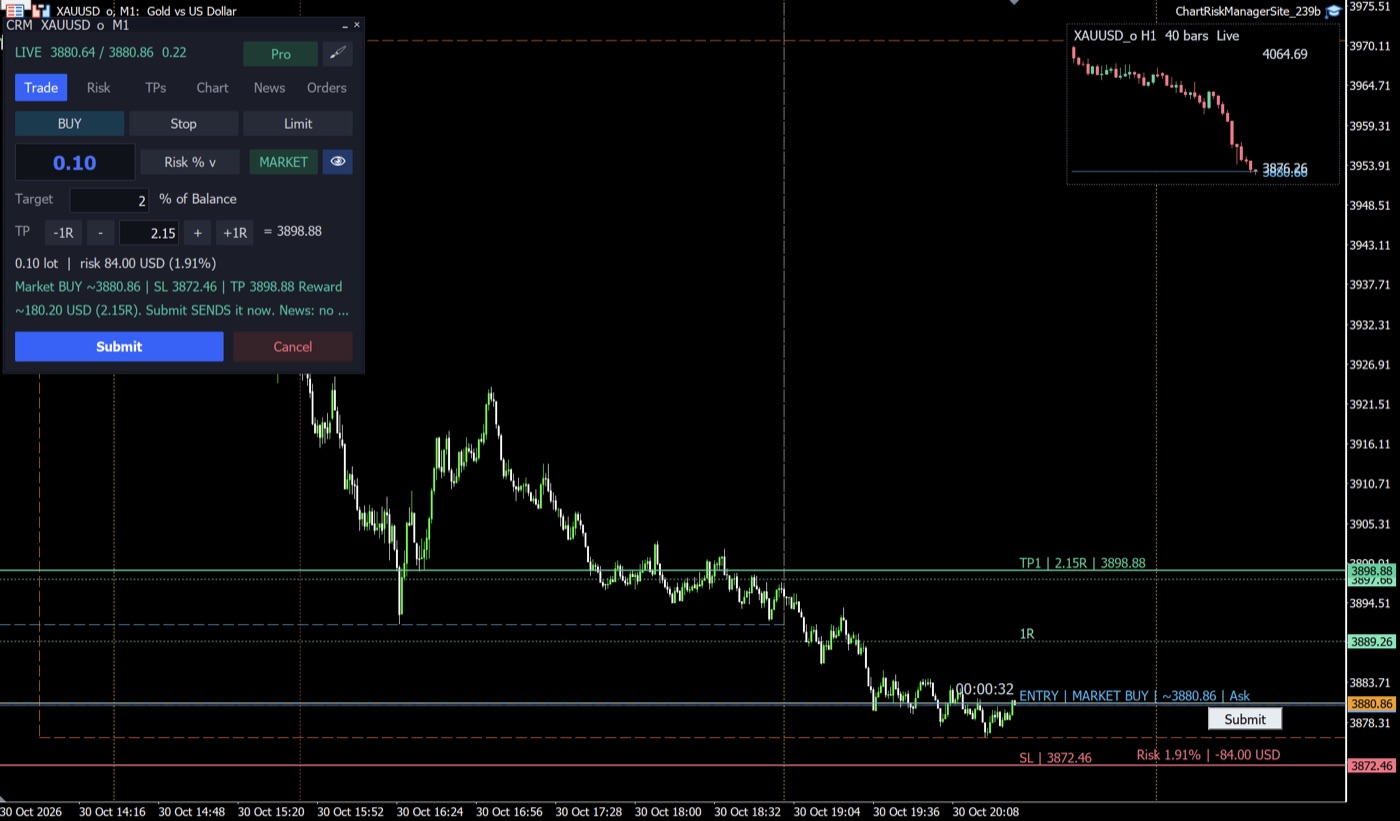
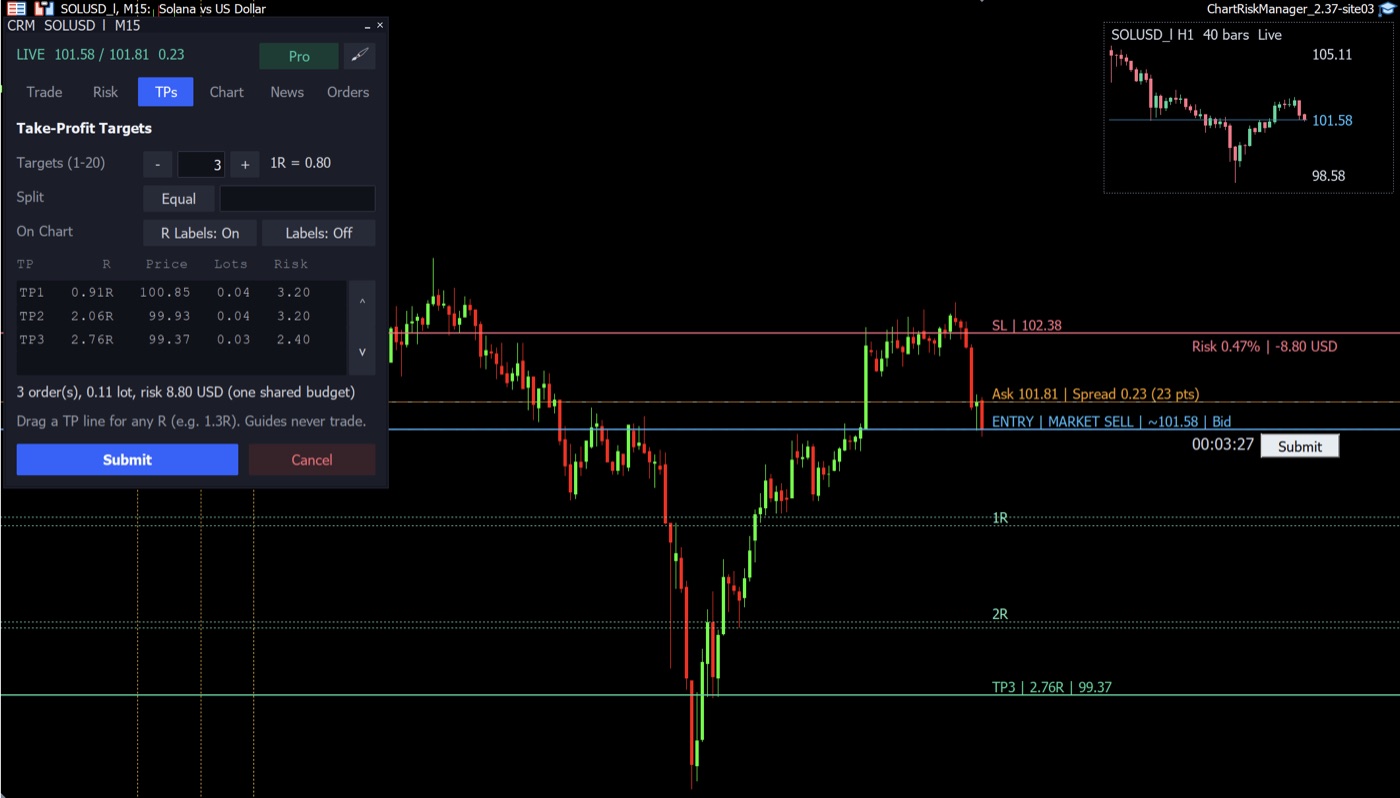
Set the risk as a % of balance or a fixed amount; lots are calculated including commission.
Pick Market, Stop or Limit, then drag the entry, stop-loss and take-profit lines; risk and reward update instantly. Drag the stop-loss past the entry to switch between buy and sell.
Split one trade across up to 20 take-profits set in R multiples.
One click moves the stop to break-even (costs included), trails it behind the price, or closes part of the position by %, lots or dollars of profit.
High-impact news warnings, trading-session boxes and a candle countdown on the chart.
See the order, prices and reward before you press Submit, and end all of the EA's trades with Close All after one confirmation. Per-trade and total risk caps are enforced.
A small chart in the corner: 10-second to weekly candles, 10 to 200 of them, updated on every tick, with Bid, Ask, entry, stop-loss and take-profit price tags. Watch the fast market while you plan the trade on H1 or H4.
Forever, no licence key needed.
With a licence key, or the 7-day free trial inside the EA.
Download the free version; a licence key or the free trial turns the same file into Pro.
Download for MetaTrader 5.ex5 file · version 2.39 · Windows and macOS (MT5)
https://manage.licenser.shopA risk management Expert Advisor (EA) for MetaTrader 5. You drag the entry, stop-loss and take-profit lines on the chart; it calculates the lot size from the risk you set and shows you the order before anything is sent.
From your risk, set as a % of the balance or as a fixed amount, and the distance between the entry and the stop-loss. The commission is included in the calculation.
Yes. The free version is free forever: lot size from risk, the lines on the chart, news and sessions, and one take-profit per trade. Pro adds up to 20 take-profits, Risk-Free, a trailing stop, partial close and a higher-timeframe mini-chart, with a licence key or the 7-day free trial.
No. You review and confirm every order before it is sent, and the per-trade and total risk caps are enforced.
MetaTrader 5 on Windows and macOS. It is one .ex5 file; a licence key or the free trial turns the same file into Pro.
With USDT (Tether) on TRC-20, BEP-20 or ERC-20. The payment is confirmed automatically and the licence key is shown right after paying; no account is needed.